Switching between Datawarehouse.io Accounts
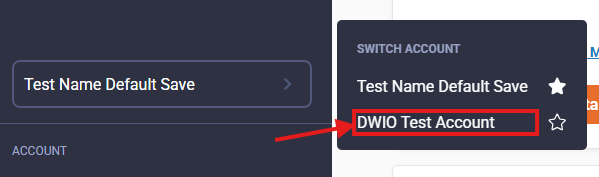
To switch between the different Datawarehouse.io that your user account has been given access to you need to use the account switcher located in the left navigational menu at https://app.datawarehouse.io.
-
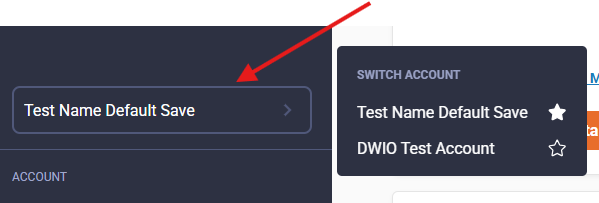
The Account Switcher menu item displays the current account that a user is logged into. Clicking on the menu item pops open a sub menu.
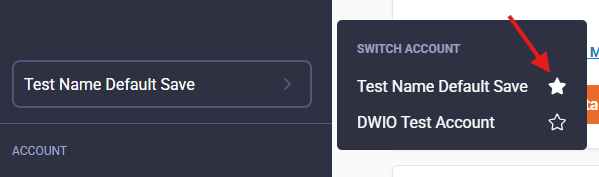
- The sub menu as shown below has a Star Icon. Selecting this Star Icon allows you to define a Default Account. The Default Account is what a user lands in after logging into the app.
- Selecting an item in the Switch Account sub menu will navigate users to another Datawarehouse.io account that they have access too.