If you are using one of our apps and you wish to upgrade, downgrade, or cancel your subscription, please follow these instructions:
-
Log into your Datawarehouse.io account at https://app.datawarehouse.io/.
- Once logged in, locate and click on the Subscriptions tab.

-
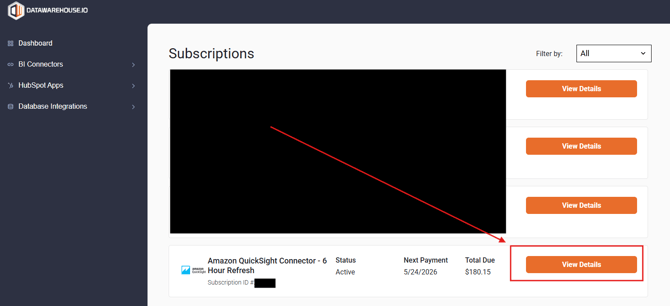
In the Subscriptions page, you can click on the View Details button view information about that subscription.
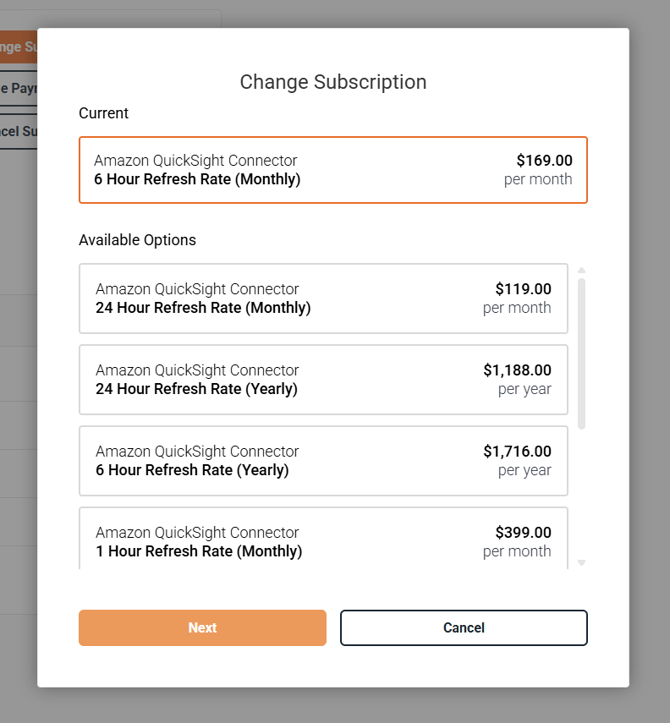
- On the Subscription Details page, you will see a button labeled Change Subscription (see option marked in red in the example below). The Change Subscription button can be used to upgrade or downgrade your subscription. You can click on that button to view the available subscription options and then select the option that best suits your needs.
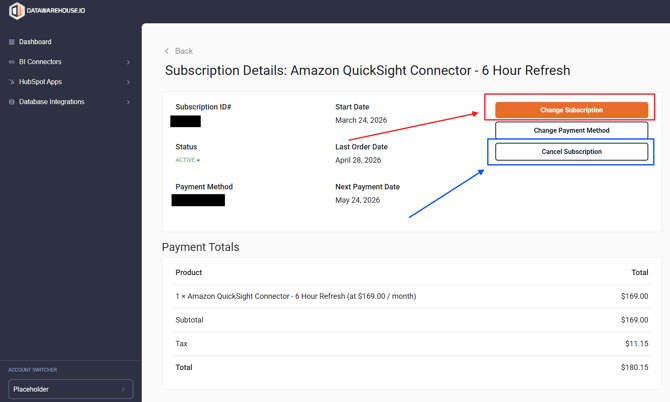
- If you wish to cancel your subscription click on the Cancel Subscription button and then follow the prompts to successfully cancel your subscription.
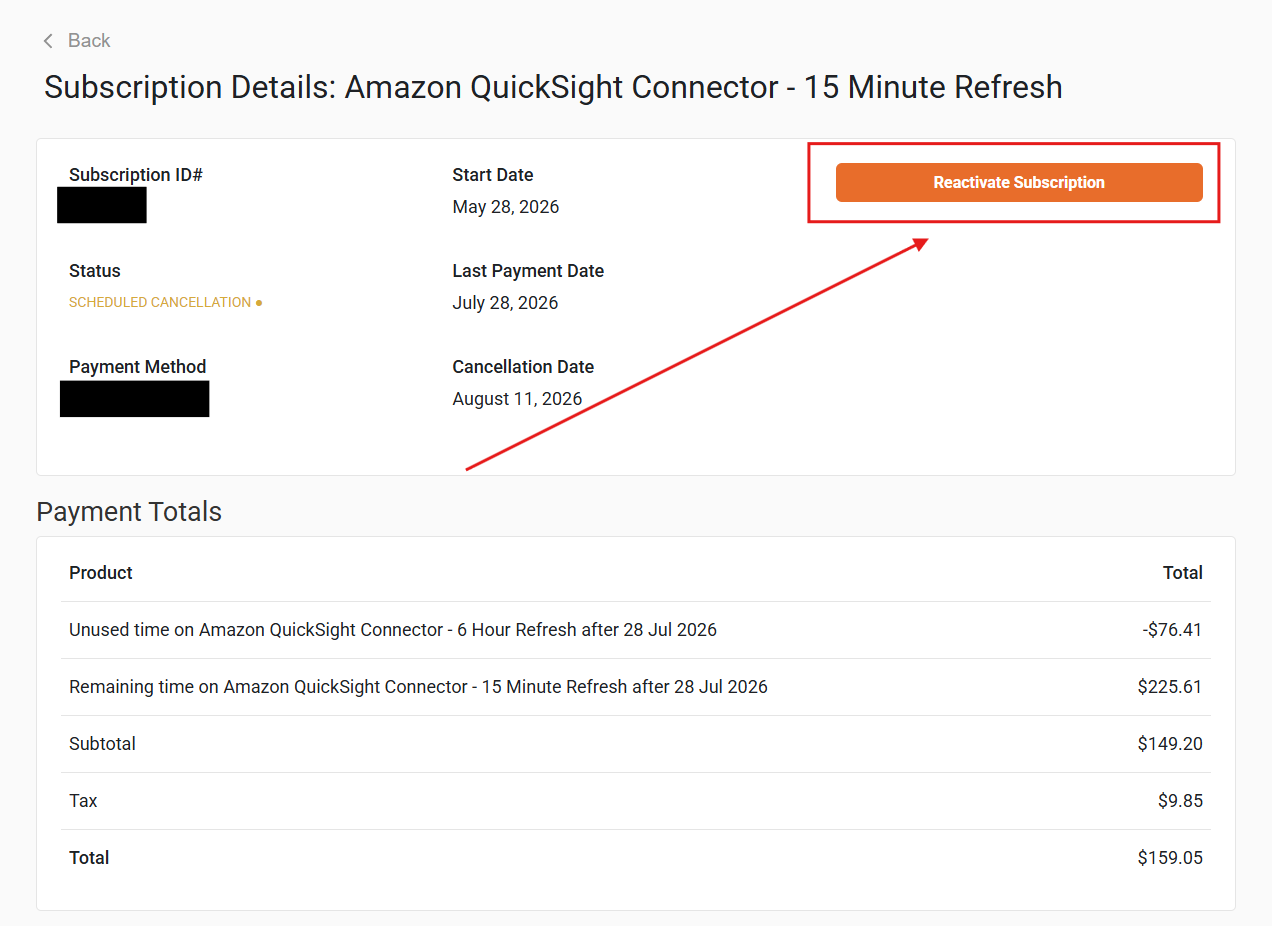
- If you previously cancelled a subscription and wish to reactivate it, simply follow the steps outlined above and then when you arrive at the subscriptions details page, there will be a button labeled Reactivate Subscription. Click on that button and follow along with the pop-up prompt to immediately reactivate your subscription.