To transfer ownership of your Datawarehouse.io account to a different user, please follow steps below:
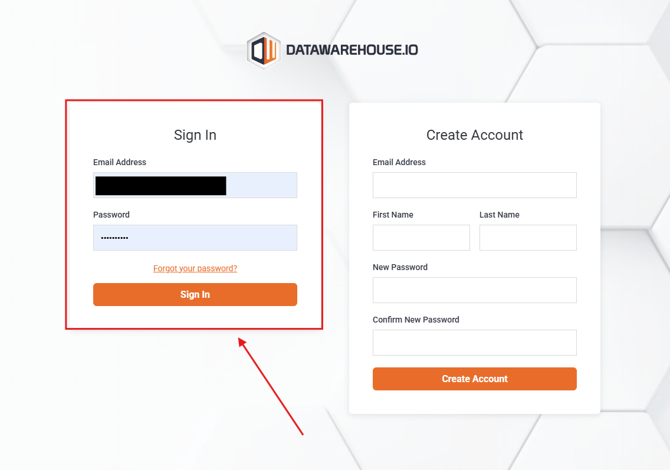
- Log into your account at https://app.datawarehouse.io/
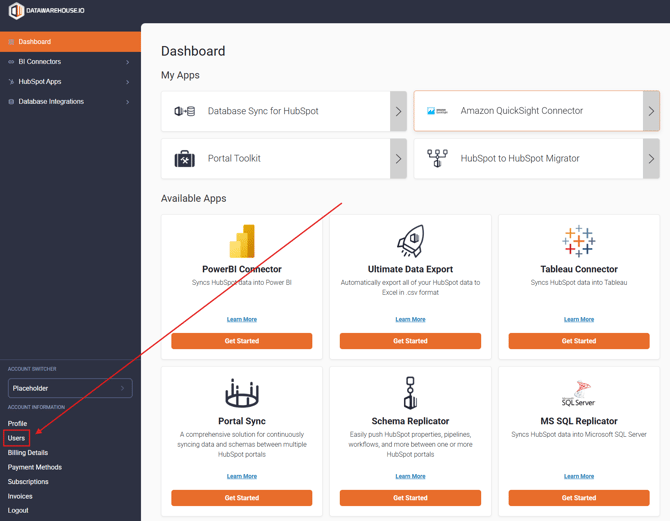
- Navigate to the Users section of the account page located at the bottom-left corner of the window.
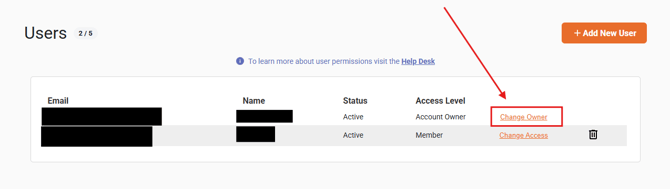
- In the Users window, you will see user details for a user with the title Account Owner. Next to that is a link labeled Change Owner. Click on Change Owner.
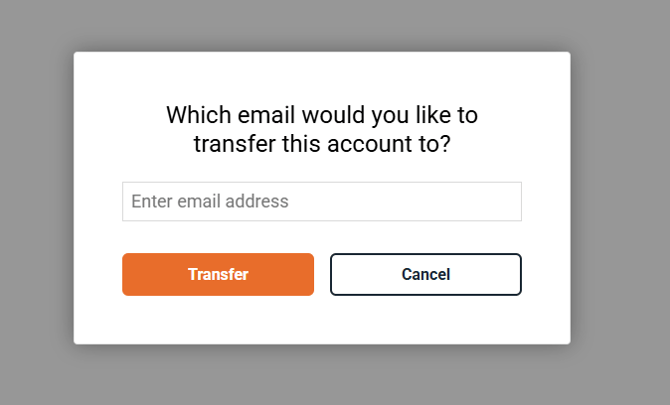
- A pop-up window will appear prompting you to input the email address of the new account owner you are transferring ownership to. Once inputted, click on Transfer.
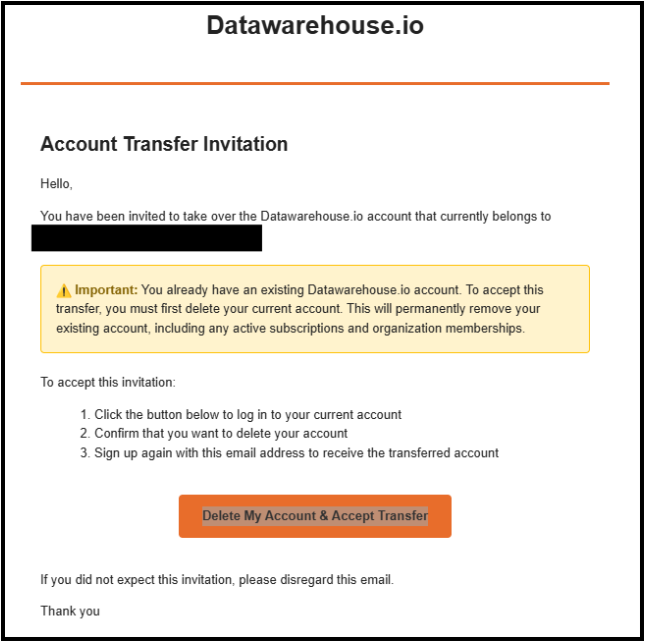
- The new account owner should receive an invite email as shown in the screenshot below.
-
- Please note, accepting a transfer will cause the invited users account to be deleted if they already have one.
- Click on Delete My Account & Accept Transfer to accept the transfer of ownership.