-
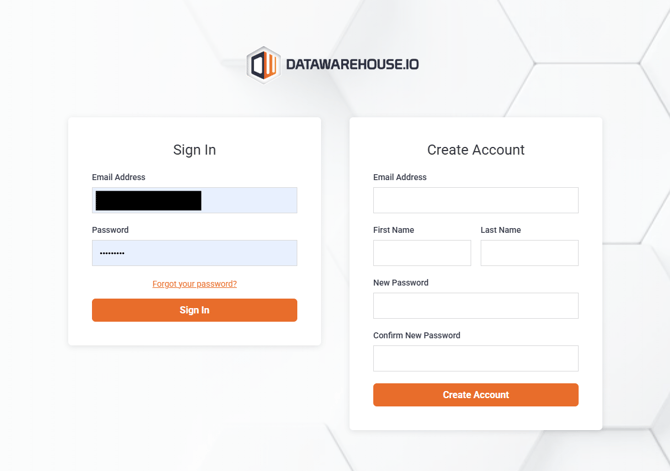
Log into your Datawarehouse.io account at https://app.datawarehouse.io/.
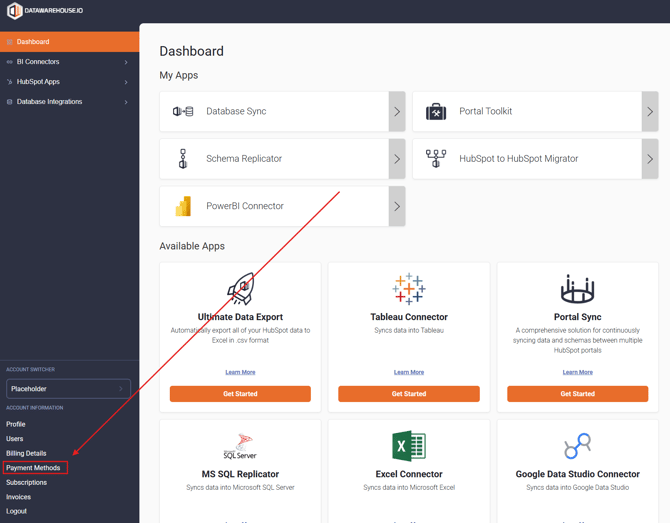
- Once you arrive at the main dashboard page, you will click on the Payment Methods button located at the bottom left-hand corner of your screen.
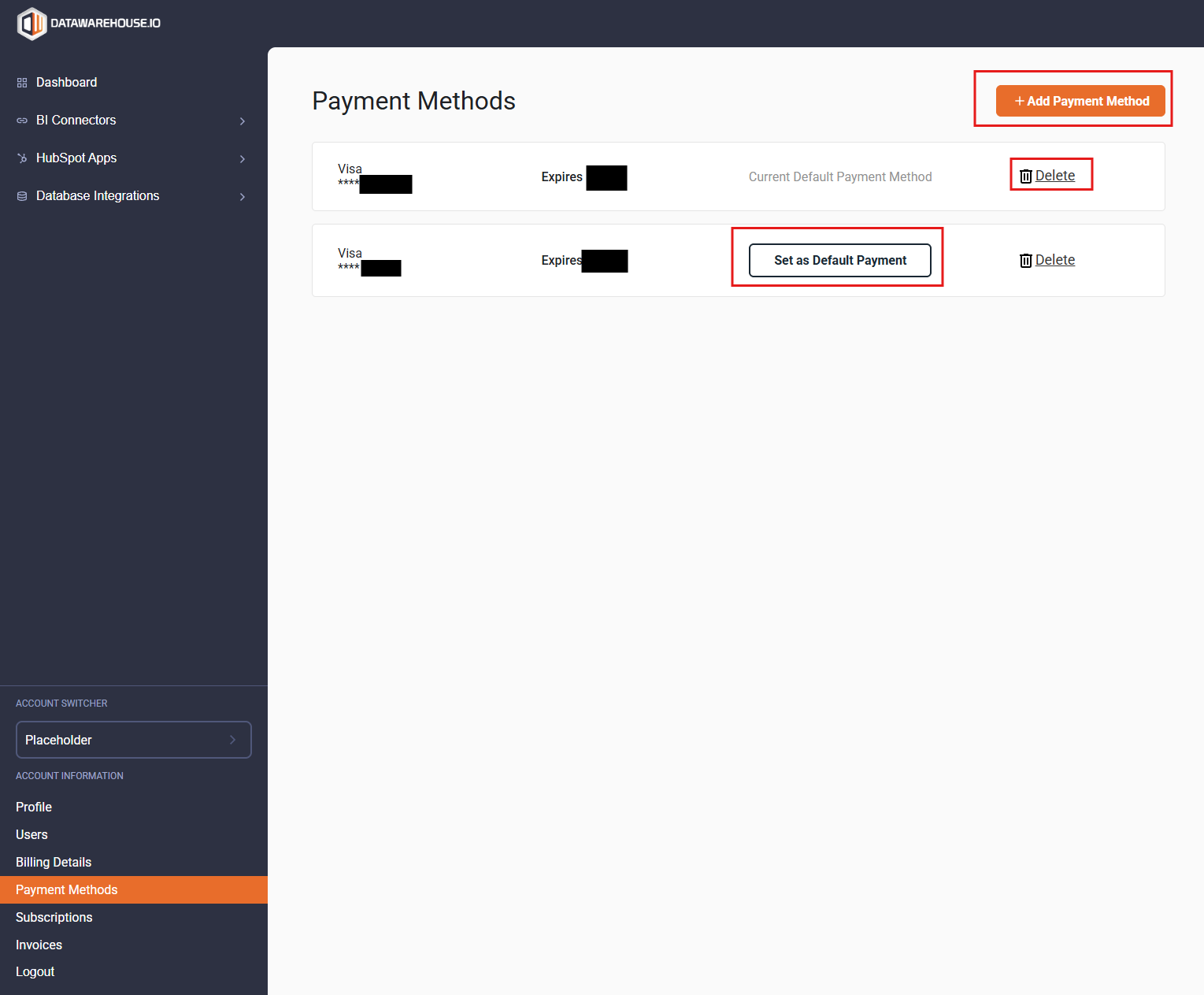
- Once you arrive at the Payment Methods page, you can then add, remove and manage your registered payment methods as needed.
English