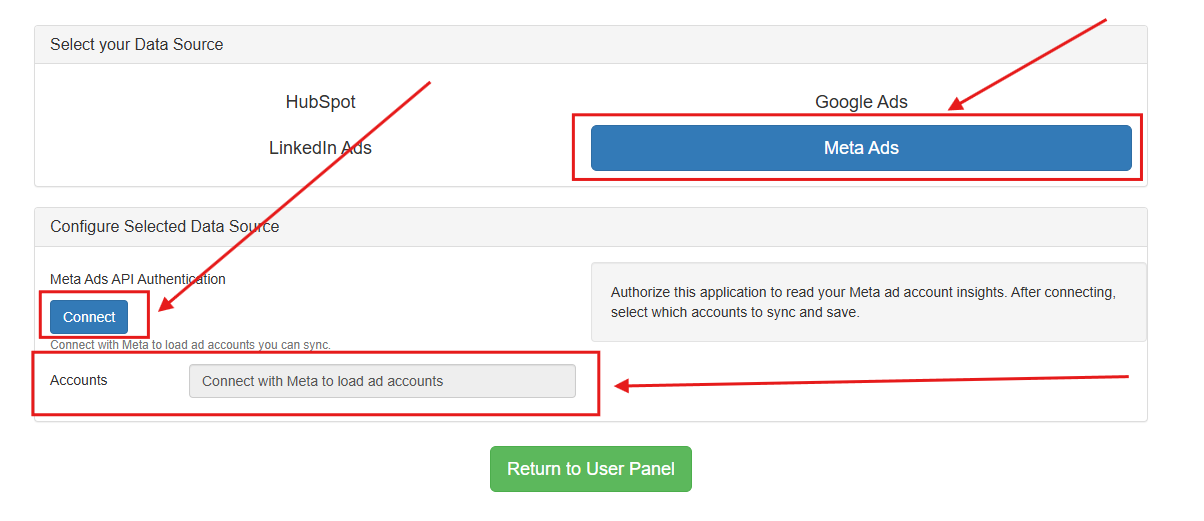
To add, remove, and manage your Meta Ads data source, please review the following steps listed below:
-
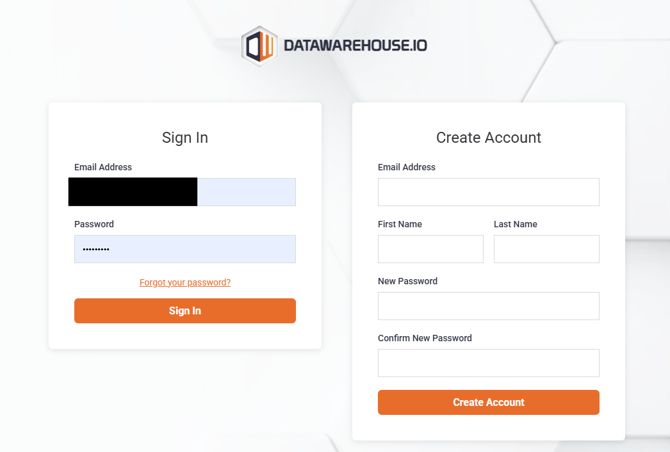
1. Log into your Datawarehouse.io account page at https://app.datawarehouse.io/
-
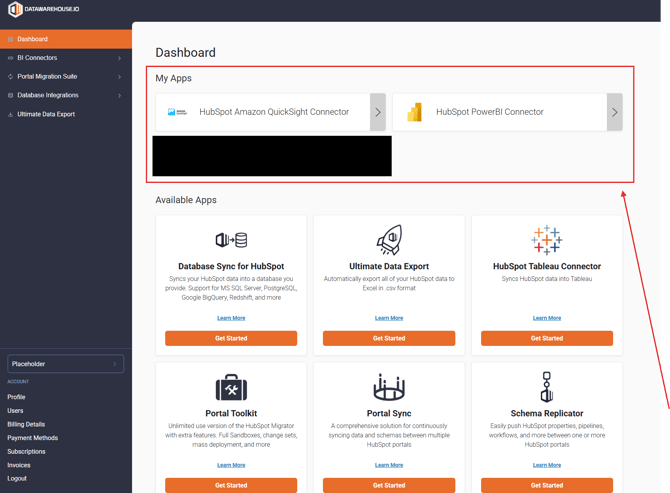
2. From the main dashboard, navigate to the My Apps section and click the button corresponding to your BI Connector, or Database Integration app.
-
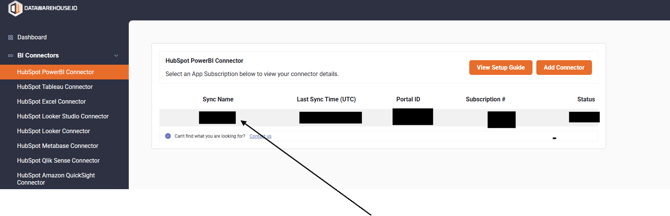
3. On the app details page, click the Sync Name column to open the management window for your sync.
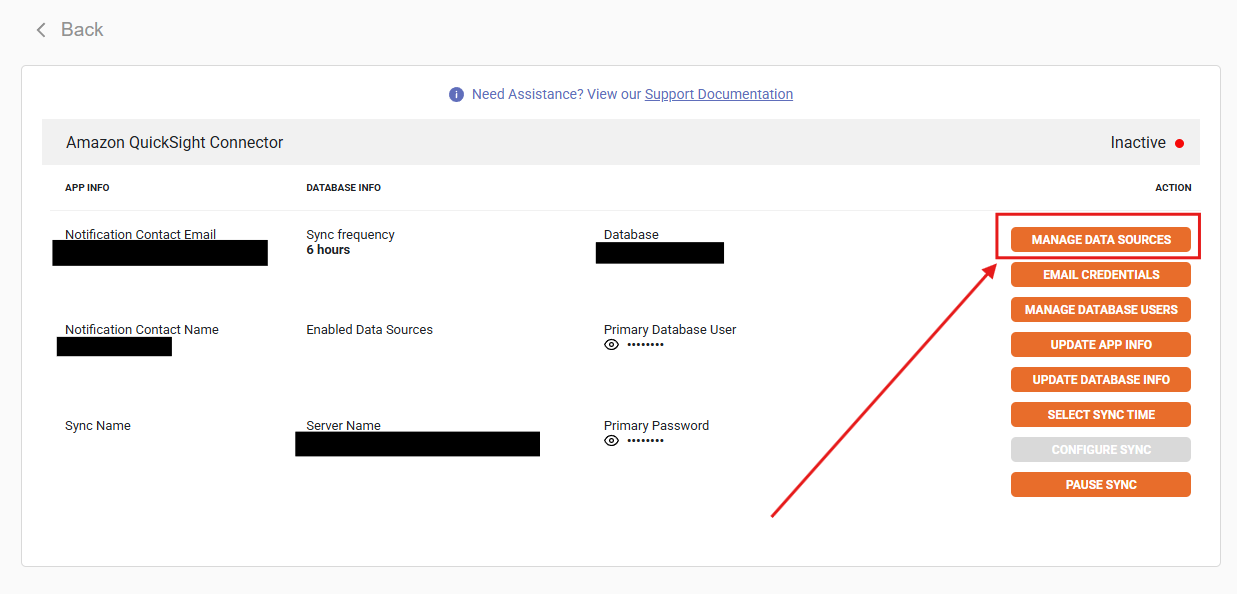
- 4. Locate and click on the Manage Data Sources button.
-
5. To link your Meta Ads data to your BI Connector or Database Integration app, simply follow along with the prompts shown in the page as noted below and the list of accounts associated with your Meta Ads account ID will be displayed for you to select and sync.