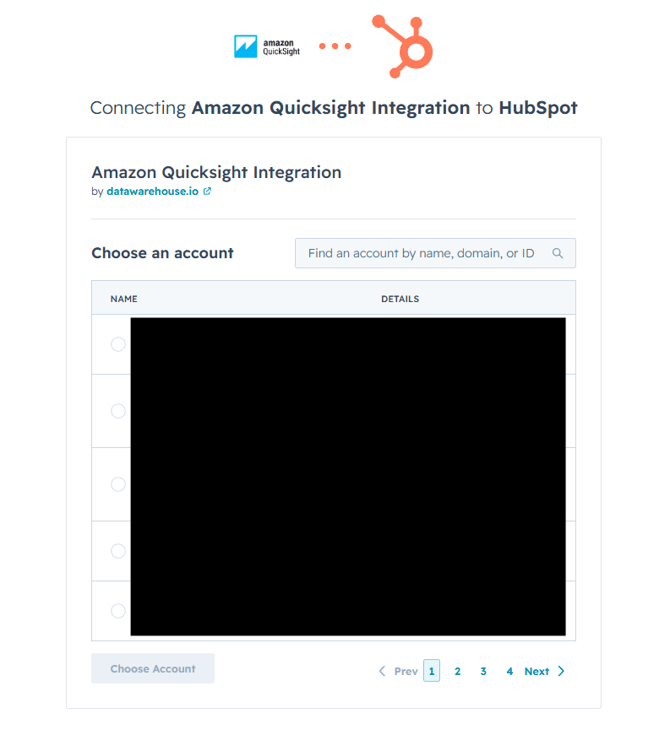
To add, remove, and manage your HubSpot data source, please review the following steps listed below:
-
1. Log into your Datawarehouse.io account page at https://app.datawarehouse.io/
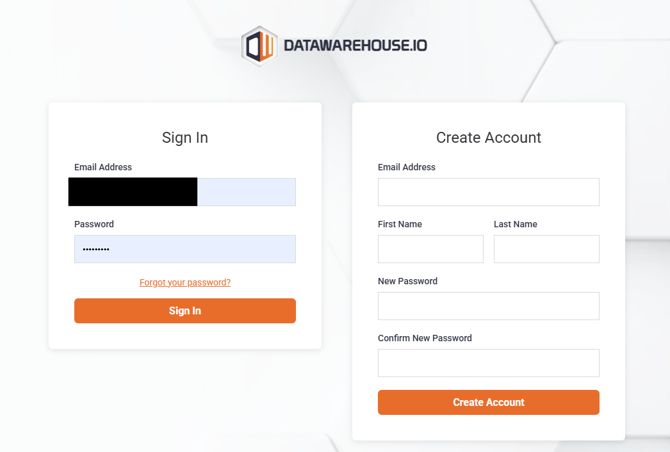
-
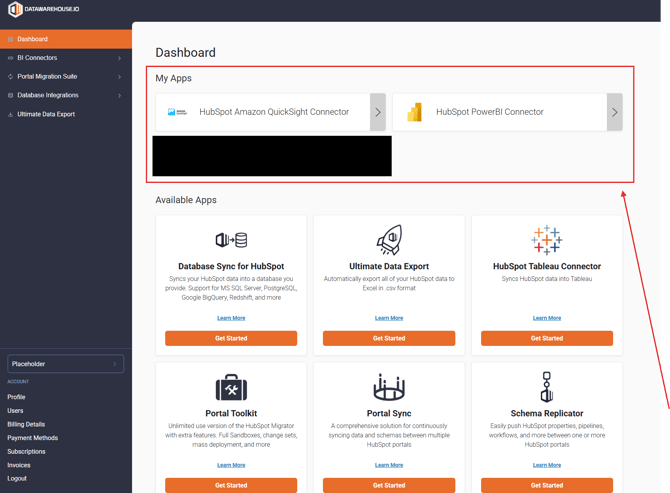
2. From the main dashboard, navigate to the My Apps section and click the button corresponding to your BI Connector, or Database Integration app.
-
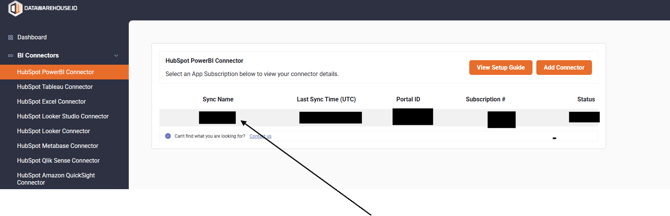
3. On the app details page, click the Sync Name column to open the management window for your sync.
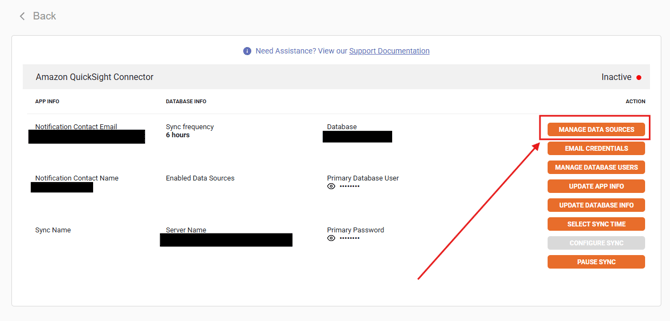
- 4. Locate and click on the Manage Data Sources button.
-
5. To link your HubSpot data to your BI Connector or Database Integration app, you will select HubSpot under the Select your Data Source section and then click on Connect to HubSpot.
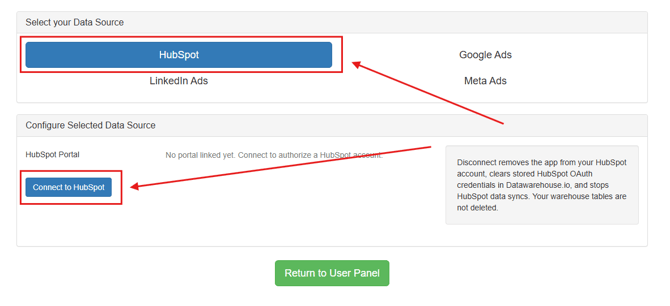
- 6. From there, it will take you to HubSpot's OAuth 2.0 page where you will simply follow the prompts to complete the link of your HubSpot portal to the app.