To make that change, please review the following steps listed below:
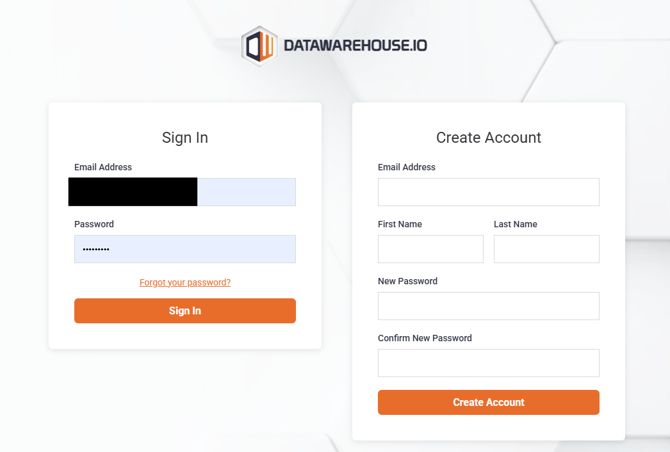
1. Log into your Datawarehouse.io account page at https://app.datawarehouse.io/
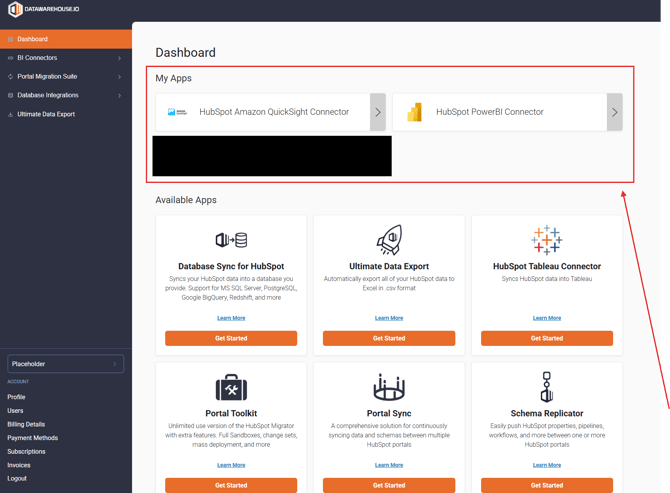
2. From the main dashboard, navigate to the My Apps section and click the button corresponding to your BI Connector, or Database Integration app.
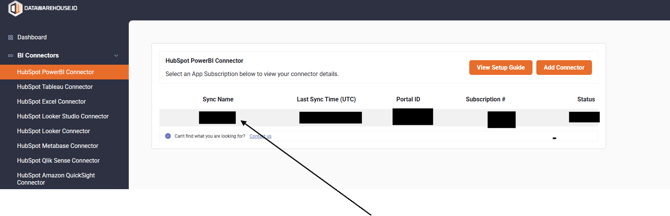
3. On the app details page, click the Sync Name column to open the management window for your sync.
4. Locate and click on the Update App Info button.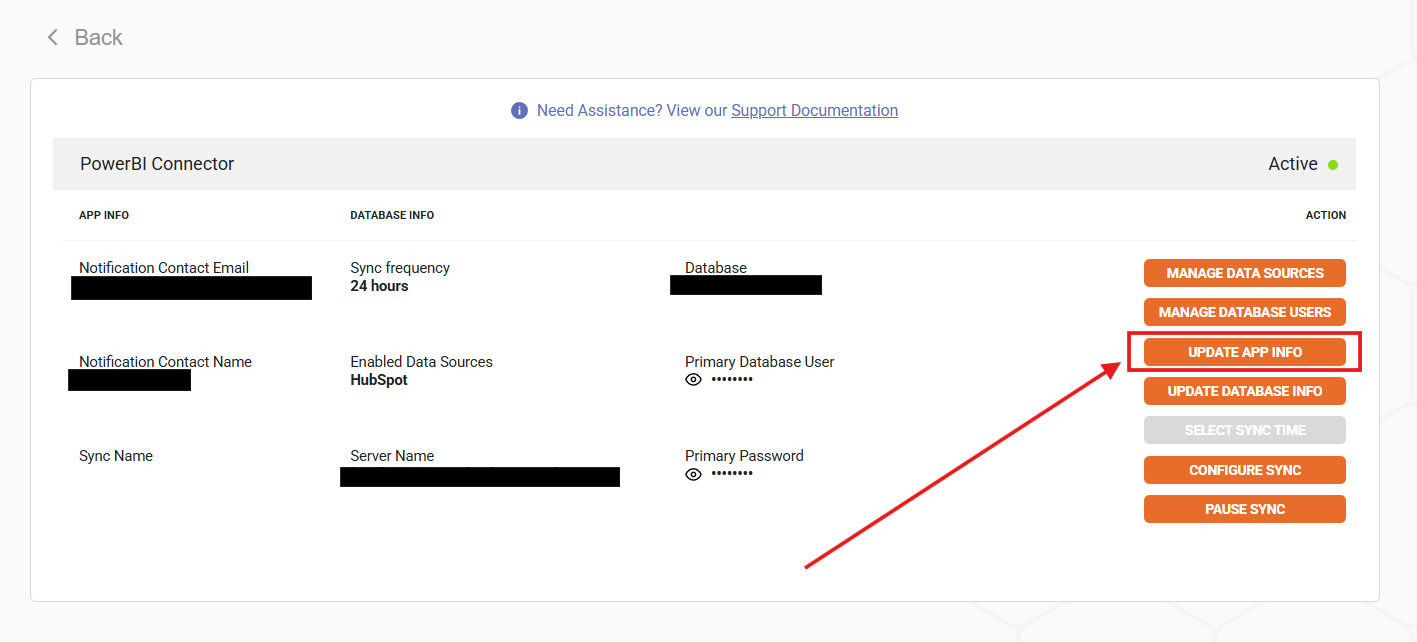
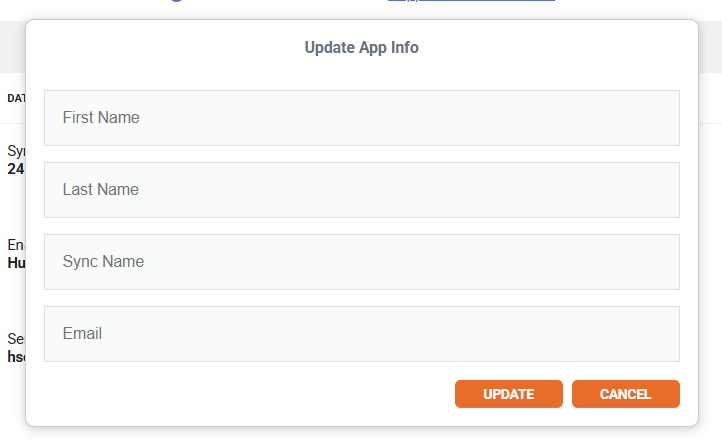
5. Once clicked, the following popup window will appear. Here is where you can change the primary user information. Just click Update once you have finished updating the primary user information.